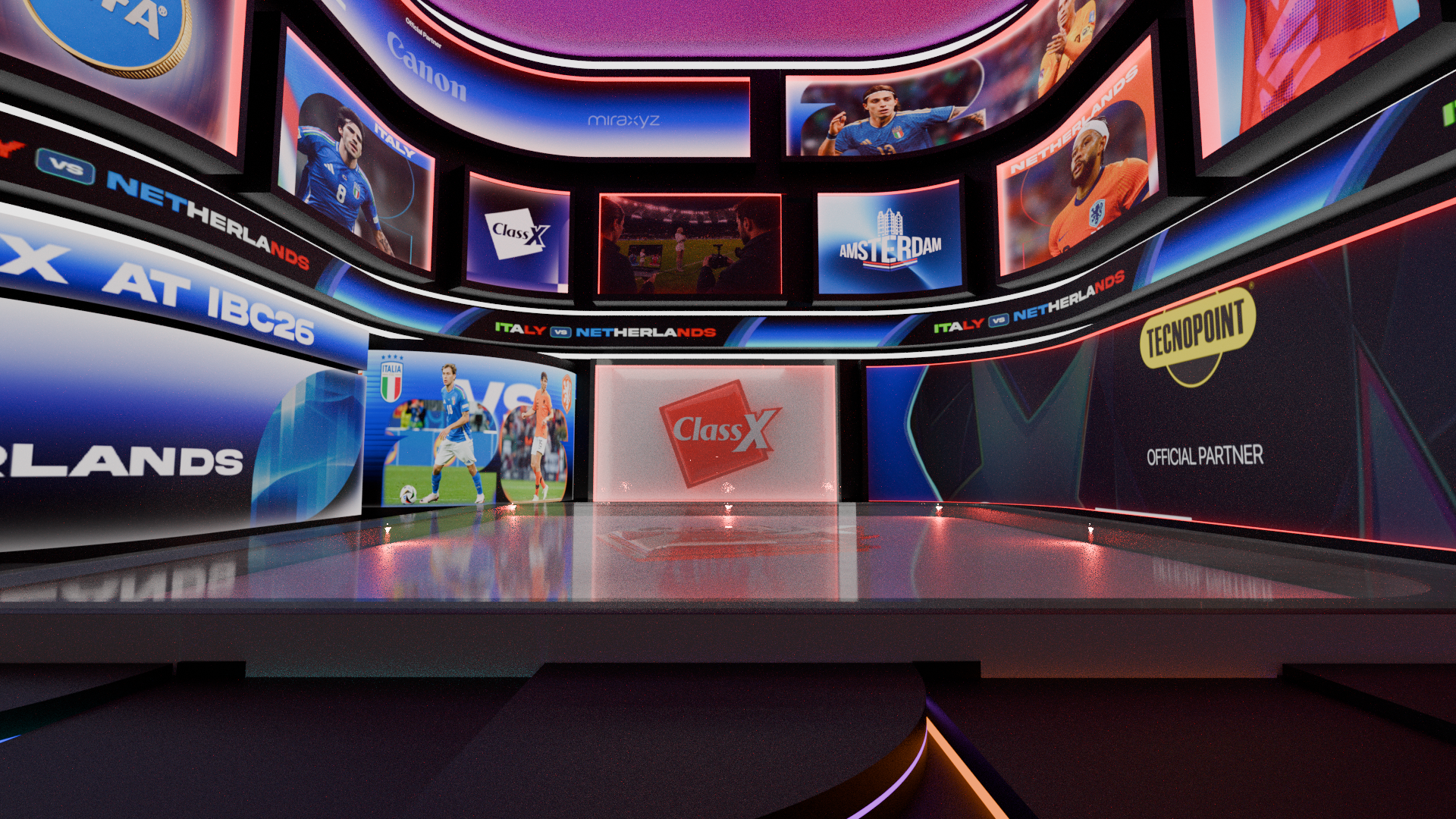
Template Editors

Design. Animate. Bring graphics to life.

Powerful and intuitive tools to create, customize and animate professional broadcast graphics with complete creative freedom.

Three Editors.
One Creative Ecosystem.

Different creative environments, built around the needs of professional television graphics and real-time content production.

A closer look at
the creative tools.

From crisp 2D vector animations to layered bitmap compositions and immersive real-3D graphics, discover what makes each ClassX editor different.

CastaliaCG

Sharp, scalable graphics. Made for live television.

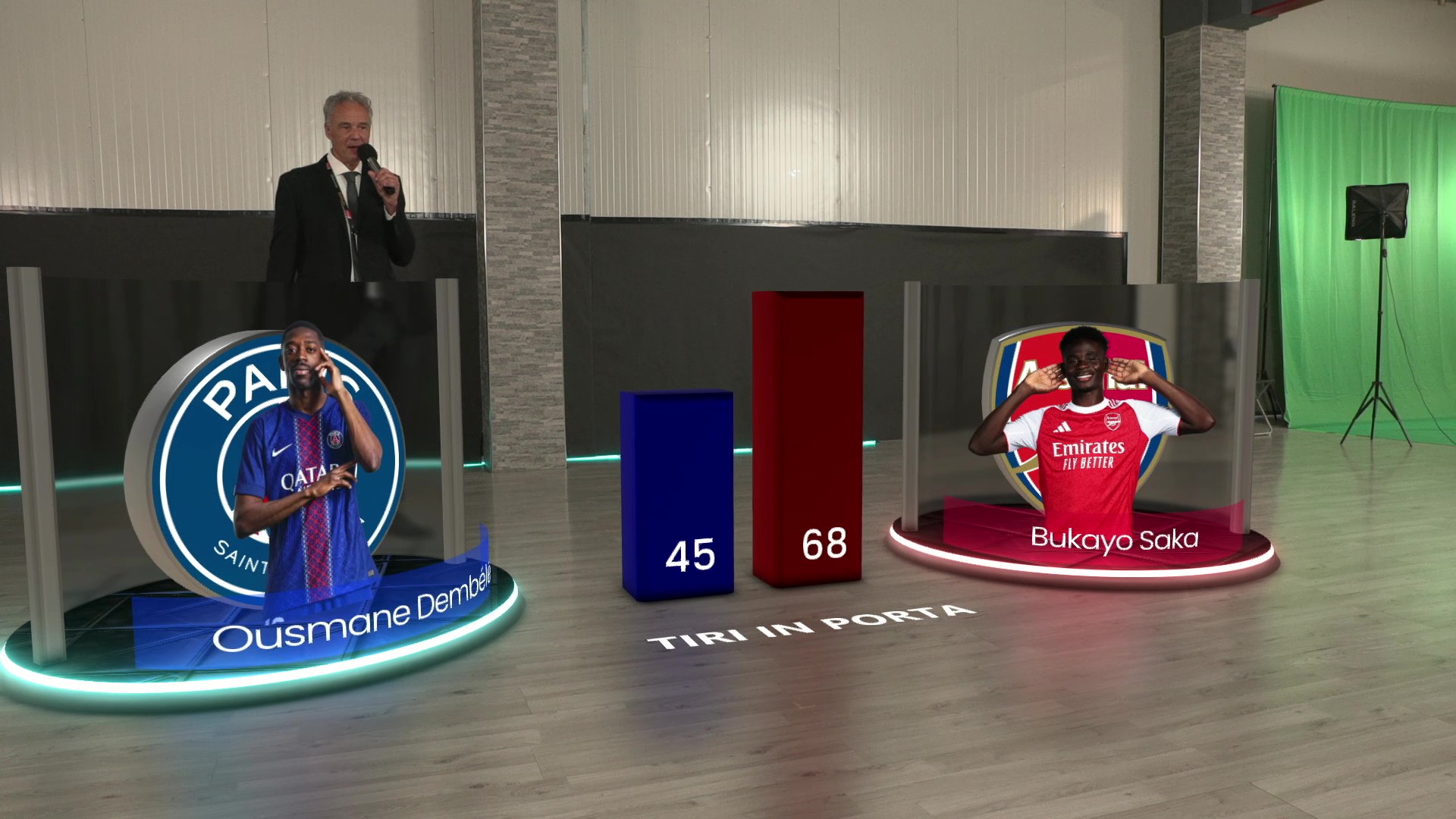
CastaliaCG is ClassX's vector-based 2D template editor for dynamic titling, broadcast charts and animated graphics. Its timeline and multi-keyframe tools help designers build polished transitions, while integrated DataSource previews make it easier to see how templates respond to changing information.

Vector-based 2D design
Animated charts & titling
Timeline & multi-keyframes
Data-driven previews
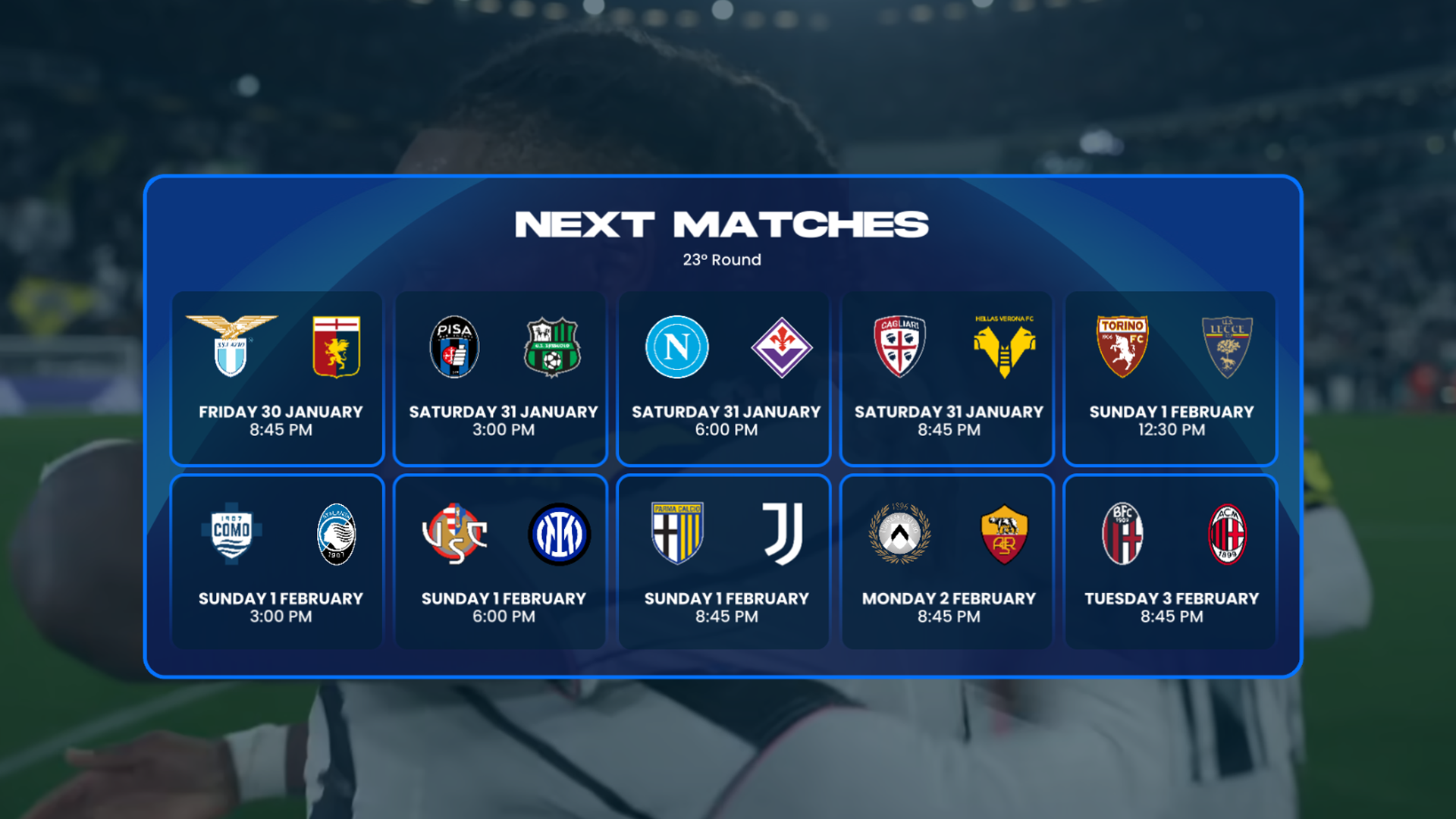
2D VECTOR DESIGN
2D VECTOR DESIGN
Charts & data
Timeline & animation

MoreCG

Give every pixel a creative purpose.

MoreCG is the bitmap-oriented 2.5D template editor for visually rich compositions. Combine images and video textures with creative effects, lighting and animation to give broadcast graphics greater depth and visual impact. Texture sources can include pictures, videos and supported live sources.

Bitmap & 2.5D graphics
Images and video textures
Lighting & visual effects
Dynamic broadcast templates
BITMAP & 2.5D COMPOSITING
Textures & images
Lighting & effects

CoralCG

Design beyond the flat screen.

CoralCG brings template creation into a true 3D environment. Create and animate three-dimensional scenes, work with geometry, cameras, lights and materials, and prepare engaging real-time graphics for broadcast and virtual production workflows.

Real 3D scenes
Geometry & materials
Lighting & cameras
3D animation workflow
REAL-3D CREATION
REAL-3D CREATION
3D scenes & materials
Animation & rendering

Everything Starts
with Design.

Explore the creative tools available across the ClassX editor family. Individual features vary by application.
▤

Layer-Based Design

Structure graphics and visual elements within an organized editing workflow.
◇

Animation & Timelines

Prepare animated sequences for dynamic broadcast graphics.
⬡

3D Graphics

Work with three-dimensional scenes and materials in supported editors.
▣

Broadcast Integration

Prepare creative content for compatible ClassX production environments.

Your Graphics.
Your Creative Vision.

Explore CastaliaCG, MoreCG and CoralCG and find the editing environment that best fits your graphics and broadcast production requirements.
Contact ClassX ↗