OpenTrackIO from CalibFX-LineUp
Elitium® also supports OpenTrackIO data from the CalibFX-LineUp offset calibrator.
Recording and streaming with MixBoard® StreamCorder™. Connected competition data in LiveStadium™. Expanded tracking for AR and virtual production with Elitium®.
Explore the highlights01 / MixBoard®
New feature
Recording. Streaming. ISO.
StreamCorder™ brings hardware-accelerated recording, encoding and streaming to MixBoard®. Record or stream individual video inputs or MixBoard® outputs, with ISO recording for separate sources.
02 / LiveStadium™
New featureLiveStadium™ now supports multiple competition data providers, with API-Football and SportMonks integration.
Automatic synchronization, local caching and flexible refresh options support the management of competition data.
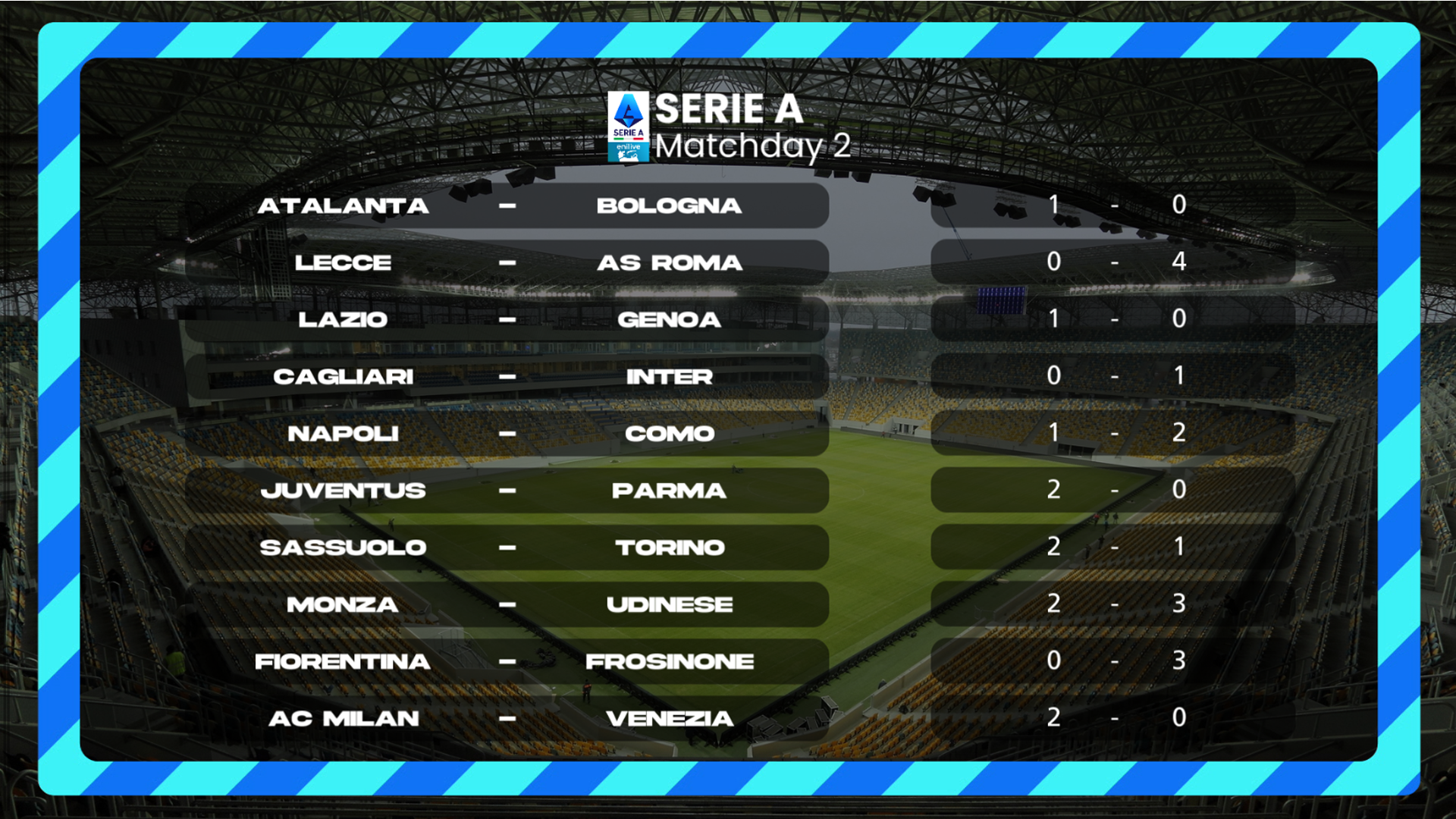
Supported competition data
Teams · Players · Lineups · Formations · Fixtures · Results · Rankings
03 / Elitium®
New featuresNew tracking connections for Elitium®: OpenTrackIO, the SMPTE standard tracking protocol, and CanonCV.
Explore supported tracking protocols
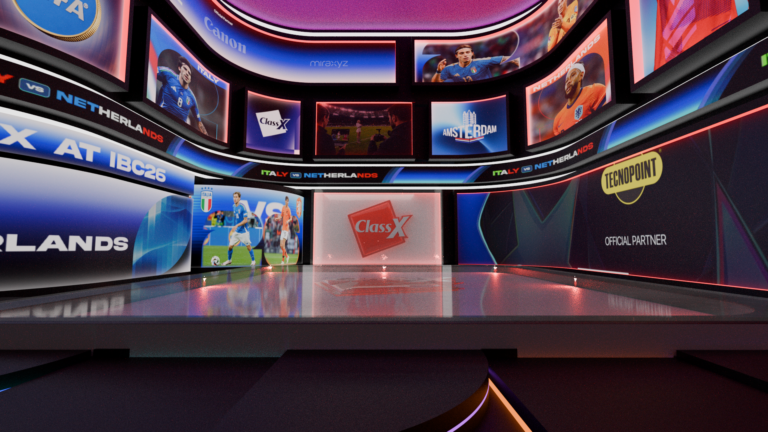
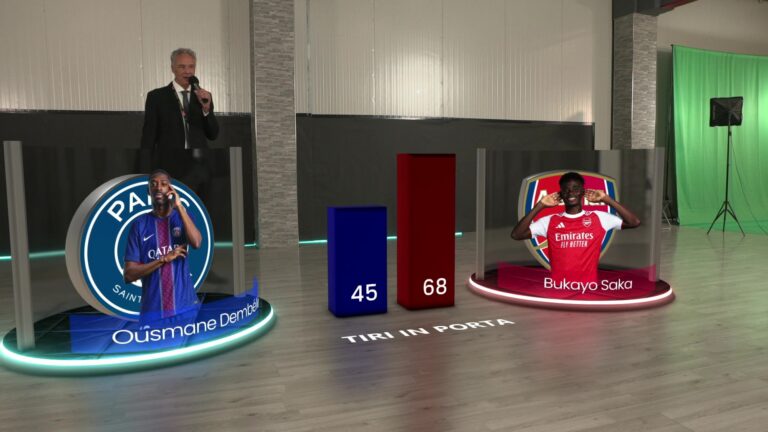
Elitium® also supports OpenTrackIO data from the CalibFX-LineUp offset calibrator.
Combine position and rotation from one tracker with lens data from another using “Override position/rotation data” in tracker settings.
Graphics & video I/O
CoralCG
The hierarchical cascade timeline mode automatically overlaps the timelines of child objects in a group, making it easier to create group animations.
FrameLinkDriver™ 7.0
FLD 7.0 support for Bluefish, DeckLink, NDI and AJA, alongside GFBServer output pipeline optimizations.
Media pipeline
A reimplemented MediaEngine adds hardware acceleration. VideoInput improvements include field-based and interlaced clip playout, A/V synchronization, and up to eight audio channels in MediaEngineVideoInput. DirectShowVideoInput also supports up to eight audio channels.
04 / Across the workflow
Selected additions and improvements across production, graphics and automation.
LiveBoard®
NDI/VISCA PTZ controls and preset snapshots taken from the actual camera input, respecting VideoInput settings.
Content icons are more readable, and a new option lets you hide content descriptions in buttons.
MixBoard®
AutoFade smooths audio crosspoint switching. Set custom transition durations in milliseconds and visually adjust video-input offsets in compositions.
The Keyer editor is now modeless, so its dialog no longer blocks the GUI.
DeckLink VideoInput
Automatic ChangeOver exposes an input status that scripts and automations can use to build changeover logic.
Currently supported by DeckLink VideoInput only. Switching logic is implemented through scripting or automation.
SportsGraphics™
Soccer gains tactical modules and group-based substitution updates. Basketball timer graphics gain current-quarter scores and timeout displays.
Volleyball adds lineup name formats and home/away positioning for specified graphics. Player graphic positioning also expands across sports.
ProjectPacker & calibration
ProjectPacker can export image and video resources referenced by XLS or CSV data sources.
CameraLensCalibrator supports CalibFX-LineUp v130+ custom calibration files.
SoundFlexControl
This release introduces SoundFlexControl v1.0, the remote-control application for SoundFlex™.
Selected release notes
A closer look at selected automation additions and runtime improvements. These highlights are not the complete change list.
importFile, setTextRollerProperties, setInsets, setShadow and setOutline.These are component updates, not a statement of minimum system requirements.
CMA and Support Level Agreement provide two complementary levels of service: continuous access to software evolution and professional technical assistance when operational support is required.