Professional Broadcast Content Management & Playout
Manage Your Content.Play Without Limits.
Simplify your broadcast workflow with powerful content management and playout capabilities. Organize, schedule and deliver media content with precision, flexibility and seamless control, keeping your production running smoothly.
Organize your content, schedule every event and keep your playout workflow fast, clear and always under control.
An Amazing LiveBoard Plugin
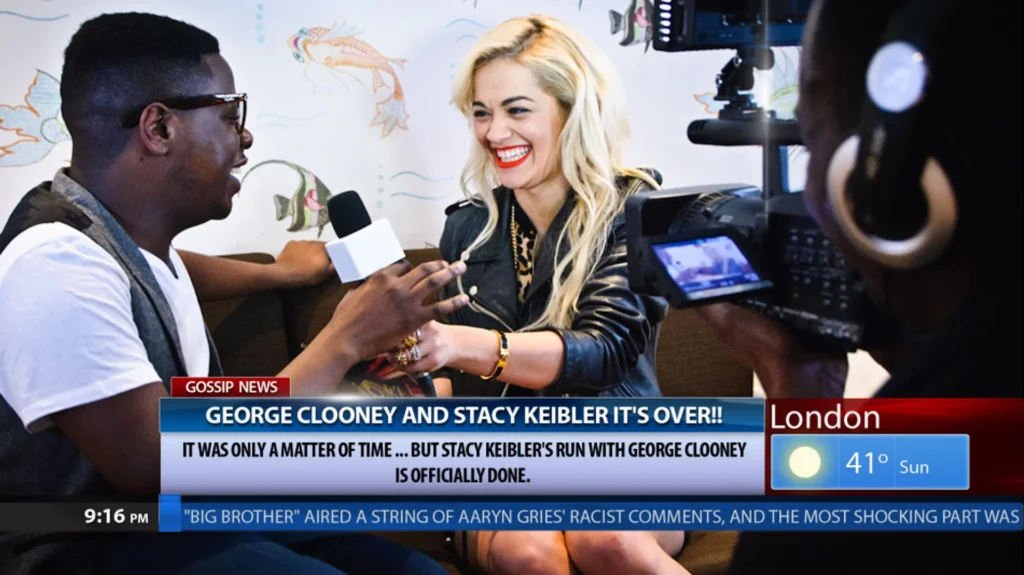
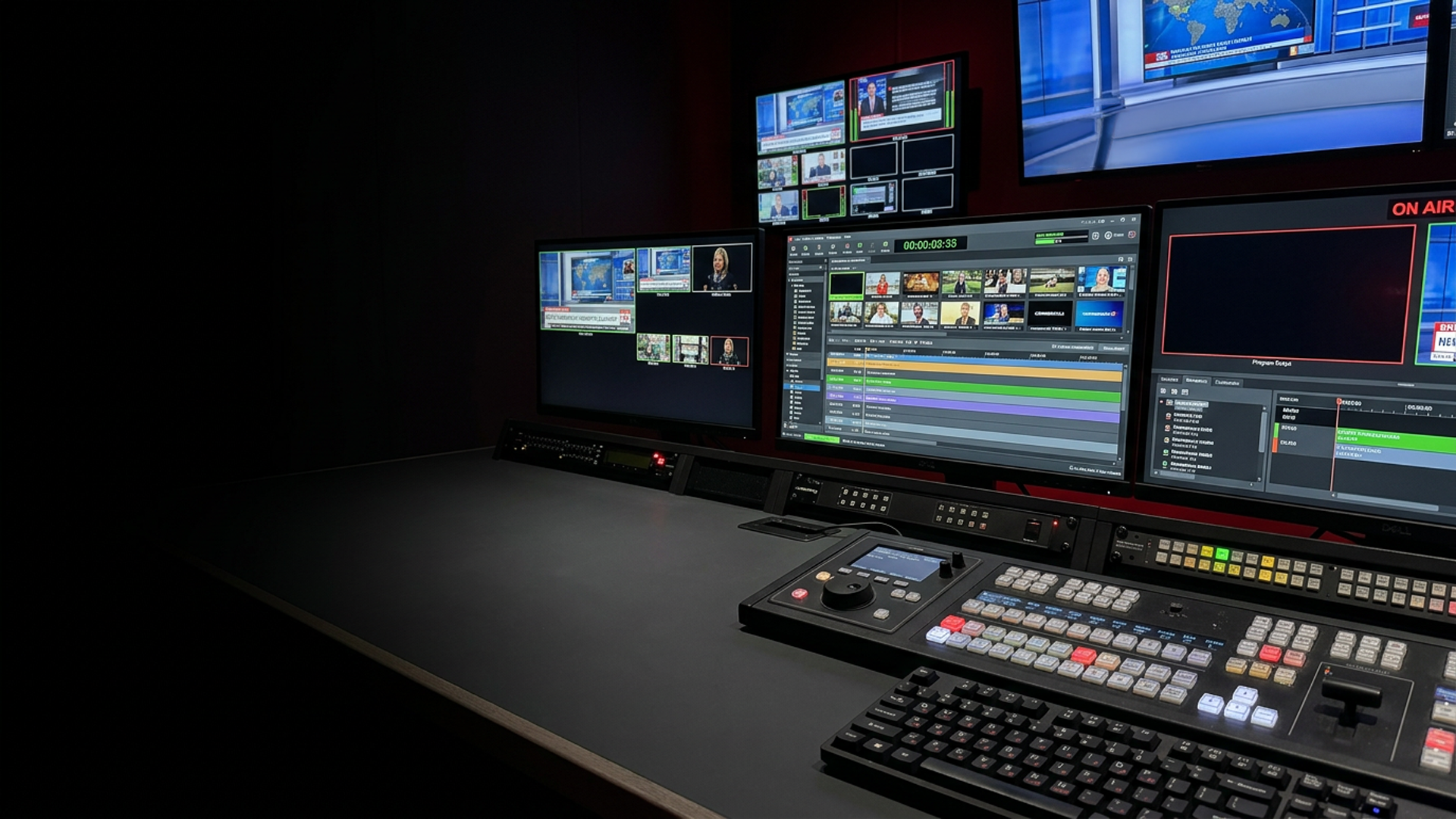
ClassX Content Playout allows you to create a scheduled playlist of contents to be played out. Plug yourself into a new media experience! Synchronize graphics, data and video clips. Together. Innovation behind the concept of Media-driven graphics automation.
Supported Playout Content Types
ContentPlayout is the easiest way to organize and broadcast your media including gap and picture. Create your playlist (any video codec and format accepted) and synchronize graphics and data together. Run the graphics templates automatically thanks to the innovative interface, where you can create any number of Frame Markers and address any of the contents of LiveBoard®. Take the progress of your playlist under your eyes with two useful bars and four timers. Preview of current and upcoming media is included. Press play to start the new experience.
Advanced Automation
Pure Innovation
Create your media playlist (any codec accepted) and synchronize graphics and data with the ease of a modern and innovative user interface. Completely frame-synched and therefore can switch from clip to clip with a zero delay.
Unlimited Performance
Unlimited Control
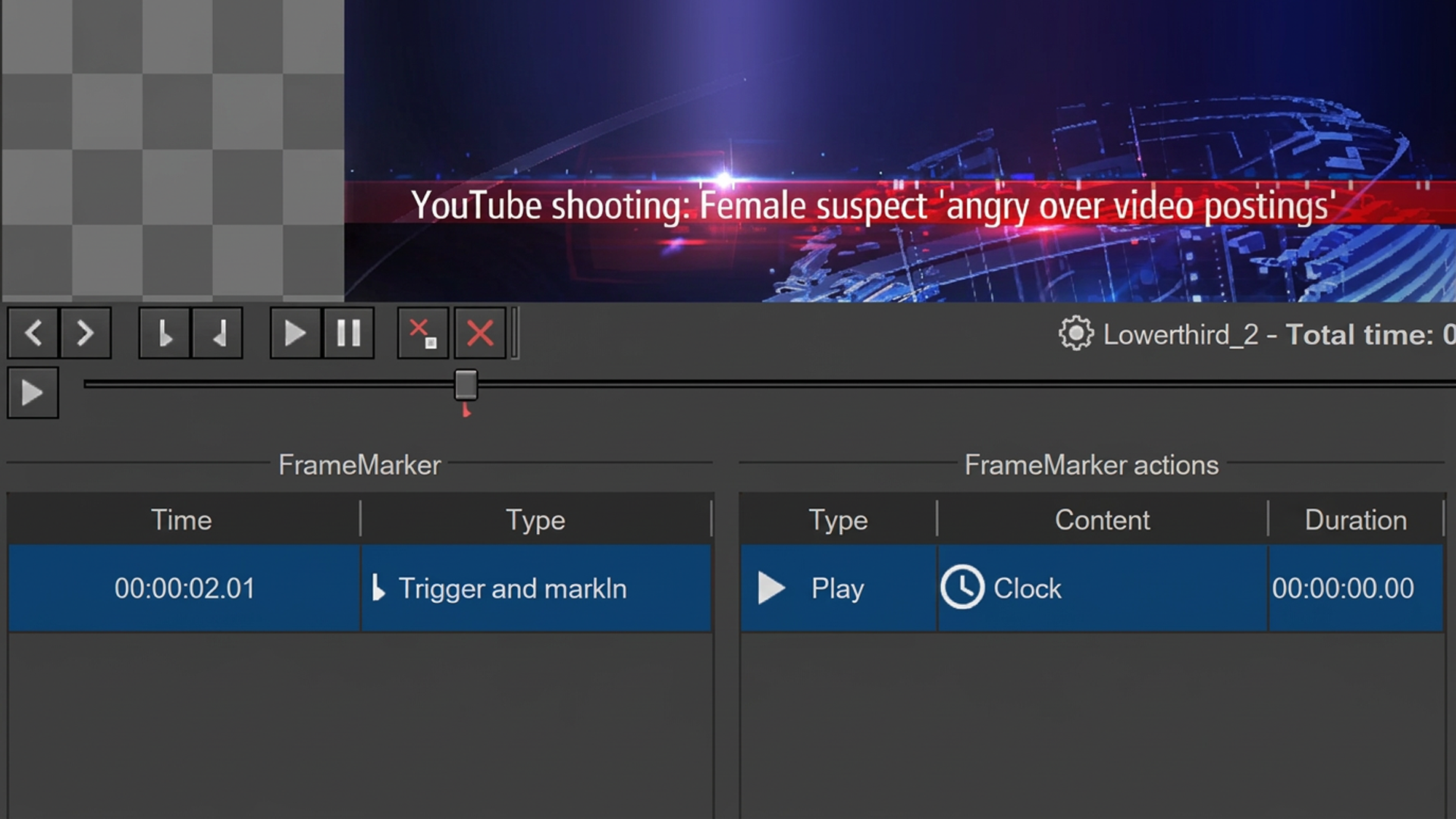
Realised as LiveBoard® plugin, so it can be run in multiple instances with no limits. Create any number of FrameMarkers and address any of the contents of LiveBoard®, in order to start/stop or even edit single fields of templates with the TemplateActions.
LiveBoard® Integration
Built for LiveBoard
ContentPlayout brings easy, media-driven automation to LiveBoard® with a simple and intuitive workflow. It can adapt Picture-in-Picture layouts on a per-media basis, automatically resizing or repositioning content while allowing graphics to be played dynamically. A flexible and cost-effective way to automate your playout, the ClassX way.
Complete information
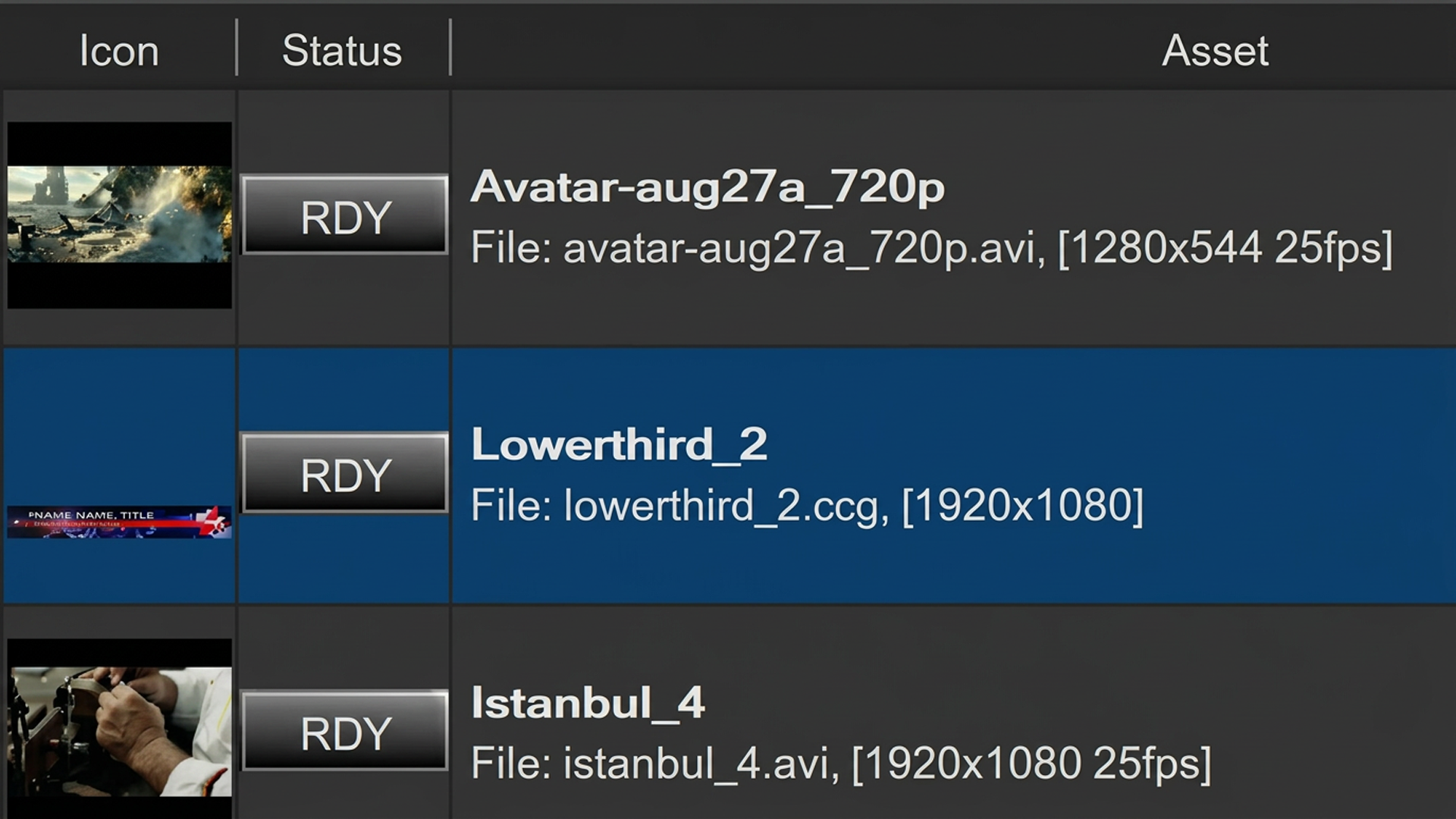
With ContentPlayout, you can instantly have a look at all information about your asset: icon, status, name, file properties (with resolution, name, format, fps), actions and duration. The status icon helps you to see if the media file is ready, in error mode or in queue, pause and play. Customize the position of the elements using drag and drops gesture, then access to action panel and express your creativity.
The asset actions editor is the core of ContentPlayout and it allows you to insert unlimited actions into the asset timeline. Feel free to interact with all LiveBoard® contents: play, stop and edit the data values of graphics templates. Trim your clip with mark-in or mark-out. You are ready to go on air. It´s time to start.
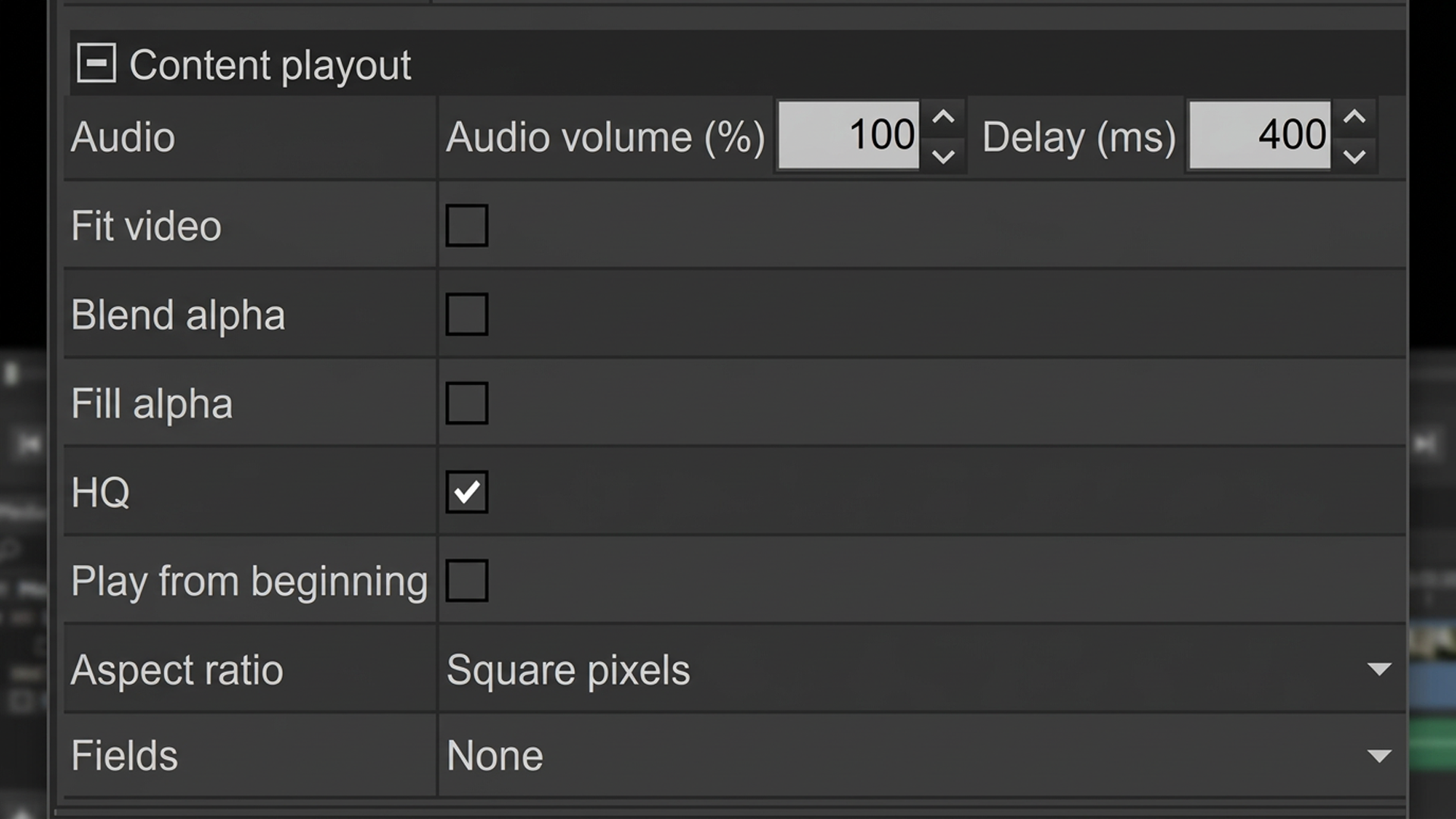
A lot of settings for your media, give you the ability to deinterlace and set audio delay, volume, fill alpha, blend alpha, fit video, double buffer, high quality to increase the quality of decoding, and even change the appearance with fields polarity. Create, set, play.