Category: Update

  • MixBoard® v8.8.0

    MixBoard® v8.8.0

    As promised, MixBoard® v8.8.0 is here, packed with improvements and important new features.
    MixBoard® v8.8.0 Introduces Streamcorder, Lower Latency, new functions and Improved A/V Sync

    MixBoard® v8.8.0 delivers a substantial set of new production features, performance improvements and reliability fixes across the MixBoard®, Video Input Manager, Field, Runtime and Library components.

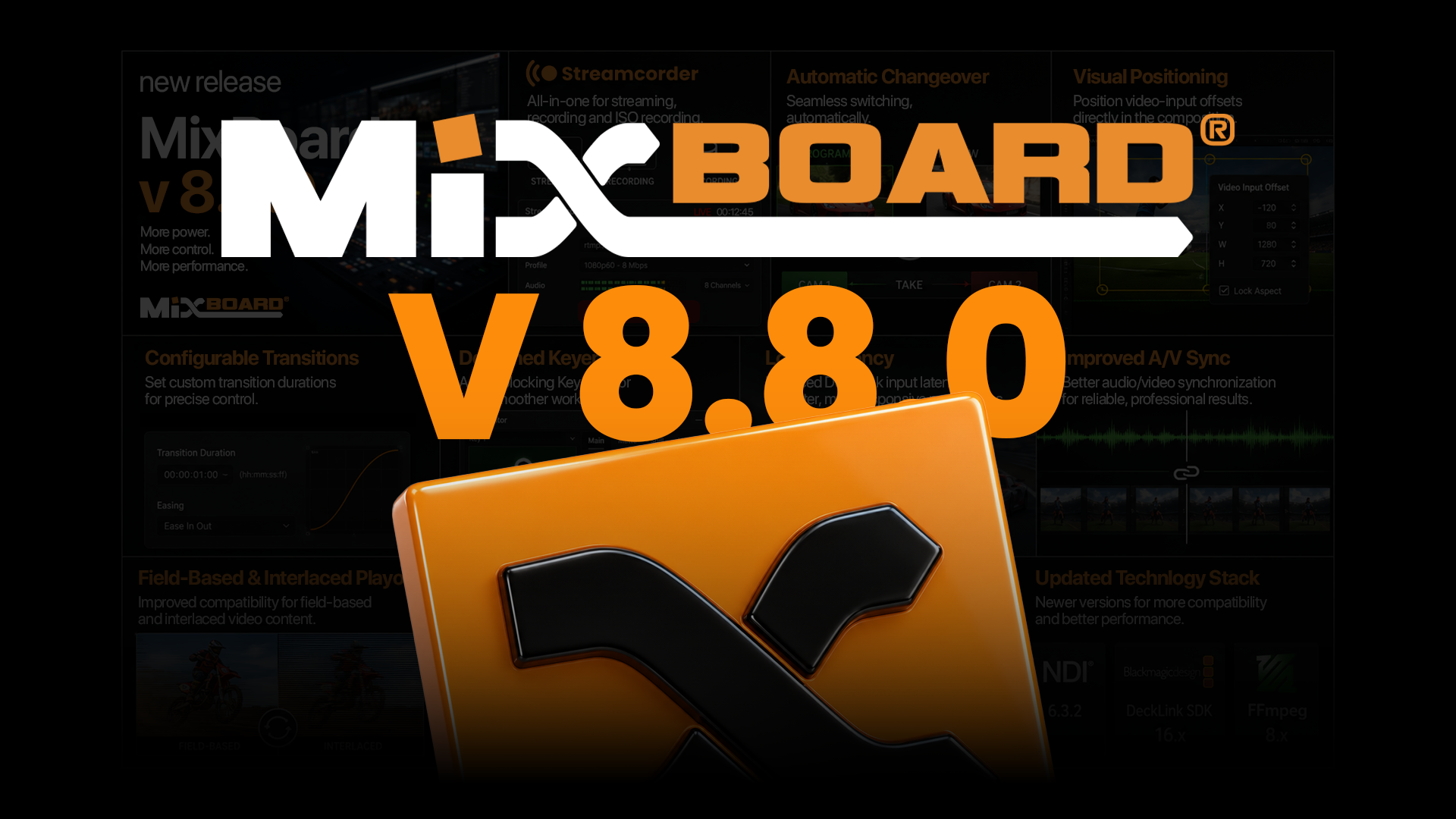
    The release introduces a fully hardware accelerated Streamcorder for streaming, recording and ISO recording, automatic ChangeOver support, visual positioning of video-input offsets within compositions, configurable transition durations and a detached, non-blocking Keyer editor.

    Video workflows receive major upgrades, including reduced DeckLink input latency, improved audio/video synchronization, field-based and interlaced clip playout, and support for up to eight audio channels. NDI receive performance has also been improved by up to two times.

    The underlying technology stack has been refreshed with NDI 6.3.2, DeckLink SDK 16.x and FFmpeg 8.x, adding compatibility with newer drivers and improving overall media-processing performance.

    MixBoard® v8.8.0 also resolves several issues affecting scale-to-fit controls, process priority, Chromium favicon loading and repeated playback of auto-play template clips.
  • Elitium® now supports CanonCV

    Elitium® now supports CanonCV

    ClassX continues to expand the tracking capabilities of Elitium® and LiveBoard® XR with support for CanonCV, Canon’s protocol for sharing camera and lens information in virtual production environments.

    In practical terms, CanonCV allows compatible Canon cameras and lenses to send important shooting data directly to the virtual production system. This can include information about the lens, zoom, focus, aperture, framing, and other camera-related parameters that help the graphics engine understand how the real camera is seeing the scene.

    For Elitium® users, the advantage is simple: when working with compatible Canon equipment, LiveBoard® XR can receive richer and more direct camera and lens information, helping virtual sets, AR graphics, keyed backgrounds, and LED-wall perspectives stay better aligned with the real camera image.

    This makes setup faster, reduces the need for additional external devices in supported configurations, and gives production teams a smoother workflow when using Canon virtual production-ready cameras and lenses.

    LiveBoard® XR now supports FreeD, OpenTrackIO, and CanonCV, giving Elitium® users greater freedom to choose the tracking workflow that best fits their production setup.

    FreeD remains a widely used and reliable option for essential camera tracking.
    OpenTrackIO offers a richer and more structured tracking data model.
    CanonCV adds direct compatibility with Canon’s virtual production ecosystem.

    Together, these integrations make LiveBoard® XR more flexible, more practical, and better prepared for modern XR, AR, LED-wall, and virtual production workflows.

  • Elitium® now Integrates OpenTrackIO

    Elitium® now Integrates OpenTrackIO

    ClassX continues to expand the capabilities of Elitium® with the integration of OpenTrackIO, a newer and richer standard for exchanging camera-tracking data between camera systems, lenses, and render engines in virtual production workflows.

    In practical terms, when a real camera moves, the 3D graphics engine must know precisely where the camera is, where it is pointing, what the lens is doing, and exactly when that data applies. OpenTrackIO packages this information in a structured way, helping virtual objects, AR graphics, LED-wall perspectives, and keyed backgrounds remain accurately aligned with the real image frame by frame.

    Elitium® also continues to support FreeD, the widely adopted tracking protocol used across many production environments. FreeD performs a similar core function, transmitting compact tracking values such as position, rotation, zoom, and focus.

    The practical difference is clear:
    FreeD tells the graphics engine, “the camera is here, pointing there, and zoomed this much.”
    OpenTrackIO provides a much richer camera report, including position, orientation, lens behavior, distortion model, timing, device context, and structured metadata that helps different systems interpret the data consistently.

    With this new integration, the LiveBoard® XR tracking manager can handle incoming FreeD and OpenTrackIO streams separately, giving production teams greater flexibility, precision, and interoperability in XR and virtual production environments.

    Another step forward for Elitium® — and another example of ClassX innovation in real-time graphics technology.

  • New Elitium® SNAP!

    New Elitium® SNAP!

    Elitium® SNAP!

    Snap into action. AR without limits.

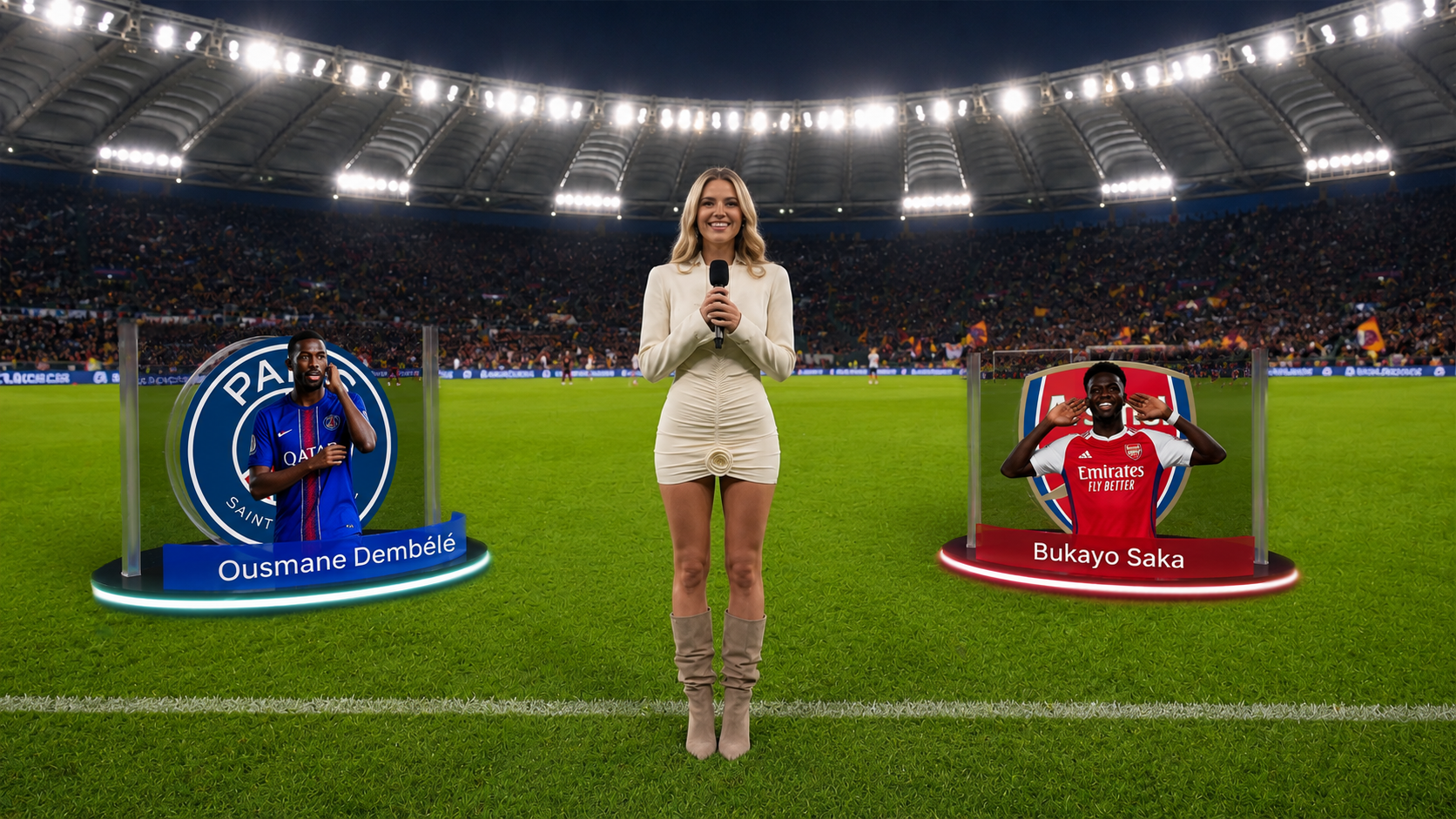
    Elitium® SNAP! brings augmented reality to a new level of simplicity and flexibility. Designed to integrate seamlessly into professional broadcast workflows, it combines real-time camera tracking, advanced AR graphics, and intuitive operation. From shoulder-mounted cameras to tripods, dollies, and cranes, SNAP! transforms traditional camera setups into powerful augmented reality production tools.

    Broadcast made simple
    01 / EXPERIENCE

    Broadcast made simple

    Elitium® SNAP! in action
    02 / INNOVATION

    Elitium® SNAP! in action

    AR without limits
    03 / PRODUCTION

    AR without limits

    One camera. Endless possibilities.

    Elitium® SNAP! redefines augmented reality production by combining real-time camera tracking, seamless broadcast integration, and exceptional flexibility. From traditional tripods to shoulder-mounted cameras, dollies, and cranes, SNAP! empowers broadcasters to create immersive AR experiences with greater simplicity, freedom, and creativity.


    SIMPLICITYAR made accessible
    FLEXIBILITYEvery camera, every setup
    LIVE ARBring virtual elements to life
    THE TECHNOLOGY BEHIND THE EXPERIENCE

    Broadcast AR/VR. Anywhere.

    ClassX introduces Elitium® SNAP!, a complete all-in-one AR/VR live production bundle designed for maximum portability, performance and fast deployment.

    Compact, powerful and easy to operate, Elitium® SNAP! brings broadcast-quality augmented and virtual reality production into a flexible portable format, ideal for studios, live events, sports, interviews, theatres, on-site services and virtual production workflows.

    Everything connected. Everything live.
    LIVE AR/XR EXPERIENCES

    Everything Connected. Perfectly Tracked.

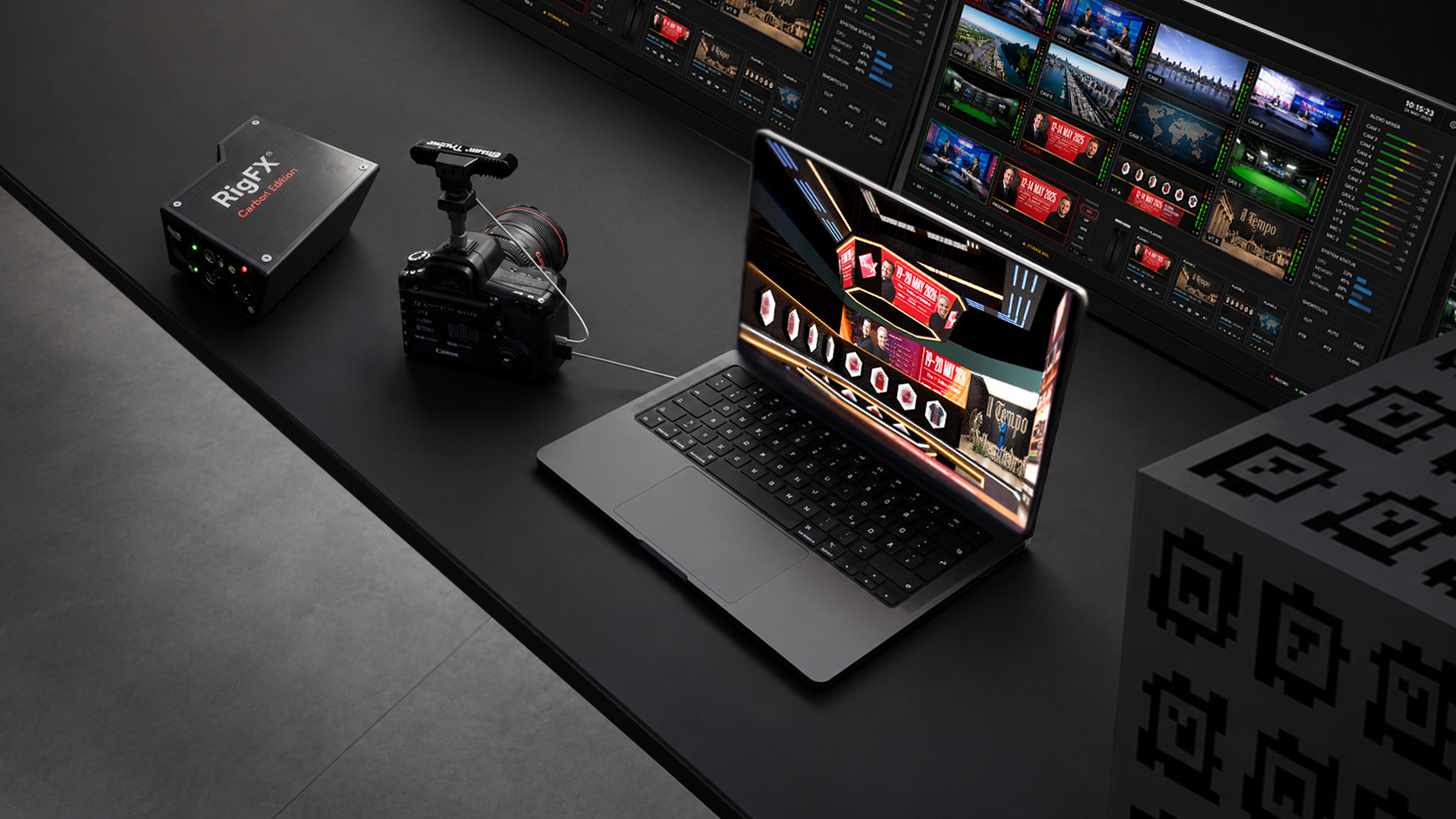
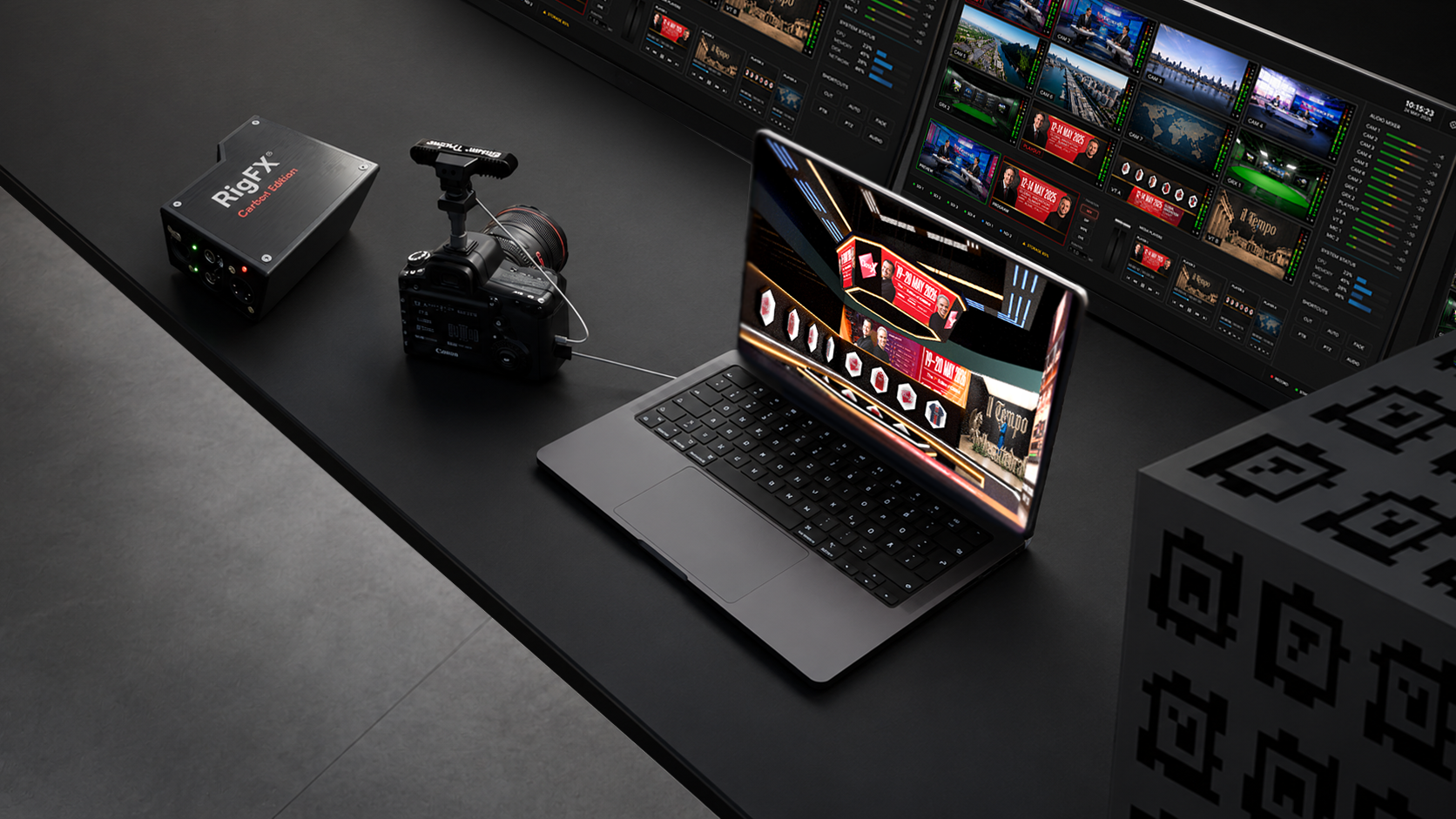
    The solution combines a latest-generation gaming laptop, Thunderbolt-connected external I/O, LiveBoard® XR with PIP, Coral XR, the CalibFX Lineup Plugin, the cardboard calibration cube and Elitium® Tracker. Just add your preferred camera, ideally with encoded lens data for frame-by-frame zoom and focus information.

    At the core of the workflow, LiveBoard® XR Tracking Manager fuses spatial tracking from Elitium® Tracker with lens metadata in real time. This enables accurate camera-aware virtual content, keeping AR graphics and virtual objects coherent with the movement of the physical camera.

    Beyond the physical stage.
    CAMERA TRACKING & XR INNOVATION

    One Take. Perfect Calibration.

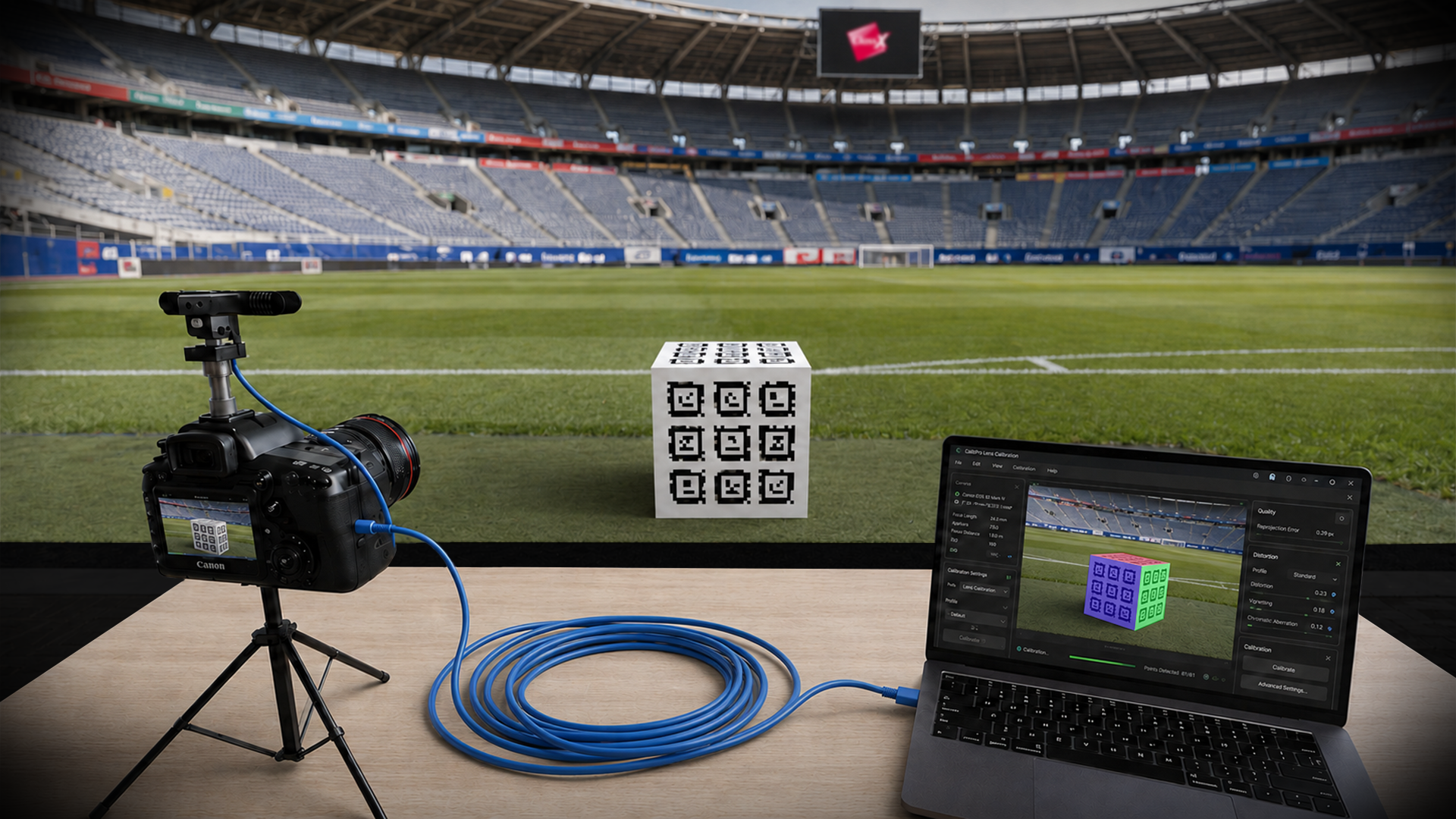
    Elitium® SNAP! also simplifies setup thanks to its one-take calibration workflow. Using the CalibFX Lineup Plugin and the QR-tagged calibration cube, camera and sensor offset calibration can be completed quickly and precisely inside LiveBoard® XR.

    Meet Cubano and Elitium SNAP!
    MIXBOARD® / LIVE VIDEO PRODUCTION

    Your Production. Anywhere. Without Limits.

    From studio environments to remote locations, Elitium® SNAP! gives production teams the freedom to create AR/VR content wherever the show happens. With flexible data integration for text, numbers, images, video assets and live sources such as JSON, XML, CSV and Excel, it is ready for both creative and data-driven productions.

    Elitium® SNAP! makes professional AR/VR production portable, efficient and ready for real-world broadcast workflows.

    Live production. Software-defined.
  • New: PSD Import

    New: PSD Import

    NEW PSD IMPORT

    Major New Feature: Import Adobe Photoshop (PSD) Files

    This new functionality significantly improves the workflow between Photoshop and our animation tools, allowing artists to bring complex PSD projects directly into the timeline while preserving their structure.
    Features

    Key features included:

          – Full support for layers and layer groups

          – Preservation of opacity and compositing

          – Support for layer visibility

          – Ability to save individual parts as separate files

          – Automatic reconstruction of the PSD hierarchy             in the timeline

          – Automatic recalculation of group dimensions

    Beyond the physical stage.